The Central Report

Inside Google Wallet in Nigeria: Supported Banks, Setup Steps and Tap-to-Pay Rules

Inside Google Wallet in Nigeria: Supported Banks, Setup Steps and Tap-to-Pay Rules
Nov. 3, 2026 | Updated 4:00 pm GMT
Supported by major payment switching infrastructure like Interswitch, the launch marks a shift in Nigeria’s payment ecosystem, which has historically relied on physical chip-and-PIN point-of-sale machines. But while the technology promises convenience, full adoption depends on hardware compatibility, bank partnerships and regulatory transaction limits.

What Is Google Wallet and How Does It Work in Nigeria?

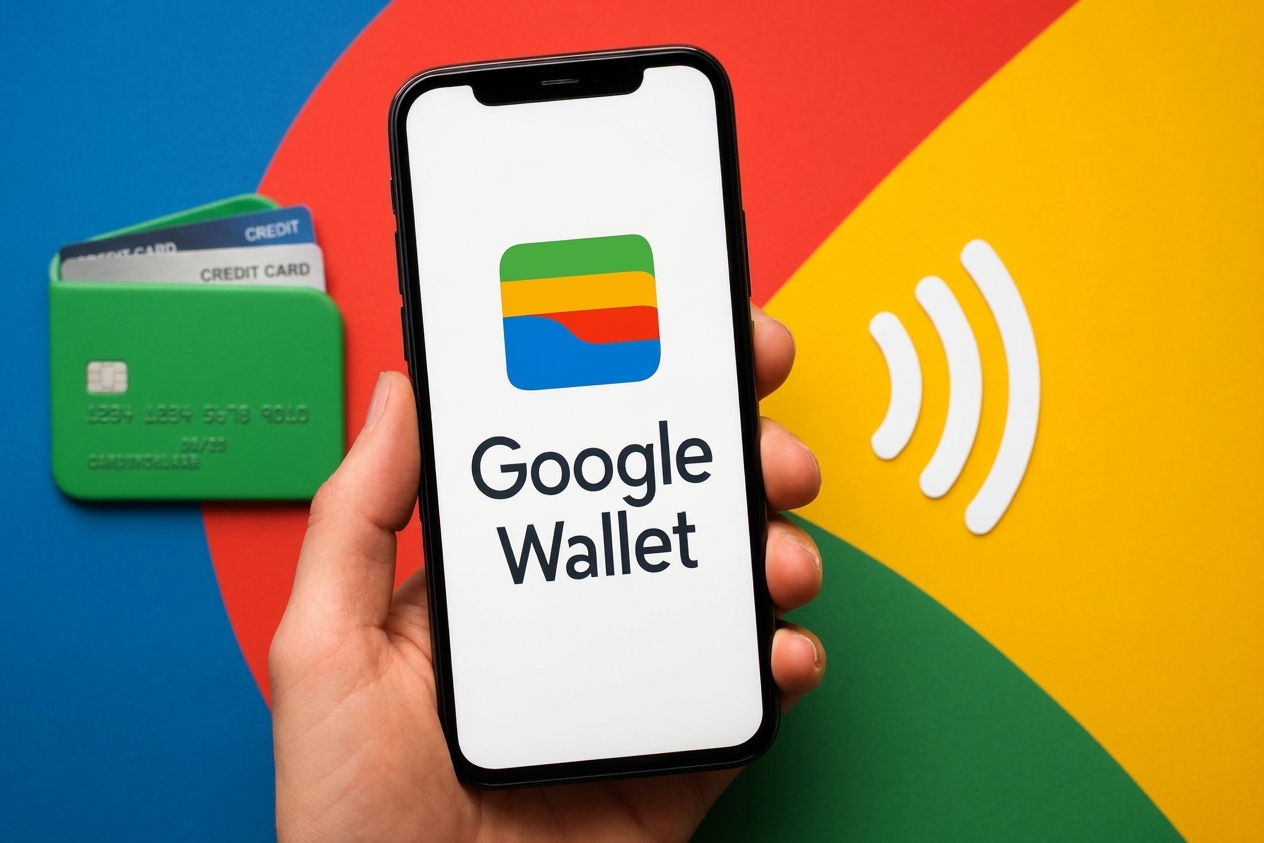
Google Wallet is a secure digital wallet app for Android smartphones and Wear OS smartwatches. Google Pay is the actual payment protocol operating inside the wallet app.
Instead of passing a physical plastic card to a merchant or typing a 16-digit card number on a website, Google Wallet uses tokenization. The system replaces your actual bank card details with a randomized, encrypted digital token.
When you tap your phone at a physical terminal or select Google Pay at an online checkout, the payment engine sends this secure token to process the transaction. The merchant never sees or stores your actual card number, expiry date or security code.

Which Nigerian Banks and Cards Are Currently Supported?

Four primary commercial banks support Google Wallet for Nigerian account holders:
Guaranty Trust Bank (GTBank) supports both Mastercard debit and Mastercard prepaid cards.
Zenith Bank supports Mastercard credit, debit and prepaid cards.
Providus Bank has also appeared on Google’s official support documentation for Mastercard credit, debit and prepaid cards.
Cards issued by domestic card scheme Verve, the national domestic card scheme AfriGO, and popular financial technology platforms like OPay, PalmPay, Moniepoint and Kuda are not supported at launch. Account holders carrying unsupported cards cannot add them to the app until their respective institutions sign integration agreements.

How to Set Up Google Wallet on Your Android Phone

Setting up the service takes a few minutes, provided your device meets hardware standards.
Download the official Google Wallet application directly from the Google Play Store. Avoid third-party app stores or direct download links sent via text or email.
Open the app and tap “Add to Wallet,” then select “Payment card”. Position your phone camera over your supported physical bank card to scan the card details automatically, or enter the card number, expiration date and security code manually.
Accept the bank terms and conditions, then choose your verification method. Your bank will issue a one-time password via SMS or prompt you to authorize the card binding inside your mobile banking app.
Enter the verification code in the app to finalize the setup. Once authorized, your card is tokenized and ready for payments.

What Are the Tap-to-Pay Rules and Security Controls in Nigeria?

Making an in-store payment requires following basic hardware and regulatory rules.
To pay at a store counter, the merchant’s point-of-sale terminal must support contactless payments. Look for the sideways contactless wave symbol on the terminal display.
Unlock your Android phone using your screen lock method and hold the back of the device a few centimeters from the contactless POS screen. A blue checkmark will display on your screen alongside a confirmation chime when the transaction succeeds. You do not need to open the Google Wallet app manually for contactless in-person taps.
The Central Bank of Nigeria sets regulatory guidelines for contactless card transactions. Low-value contactless payments below established daily transaction thresholds can complete instantly without requiring you to type your 4-digit card PIN into the store merchant terminal.
For larger transactions exceeding maximum single-tap limits, the merchant terminal may prompt you to enter your physical card PIN to confirm ownership. Individual commercial banks also retain the authority to set tighter transaction caps or daily spending limits on tokenized cards.
Security controls protect users if a phone goes missing. Because every tap-to-pay transaction requires an unlocked screen, unauthorized users cannot spend money simply by picking up a locked device. If your phone is lost or stolen, you can instantly trace, lock or erase your device remotely using Google’s native Find My Device tool.

Business editor with background in financial reporting. 9 years covering Nigerian markets, corporate earnings, macroeconomic trends, and Central Bank policy. CFA charterholder. Regular contributor to business roundtables and economic forums.

Comments0

Sign in to join the conversation

Share your perspectives and engage with other readers.

Loading discussion...

YOUR NEXT READ

RECOMMENDED FOR YOU